




Menu
Your Cart

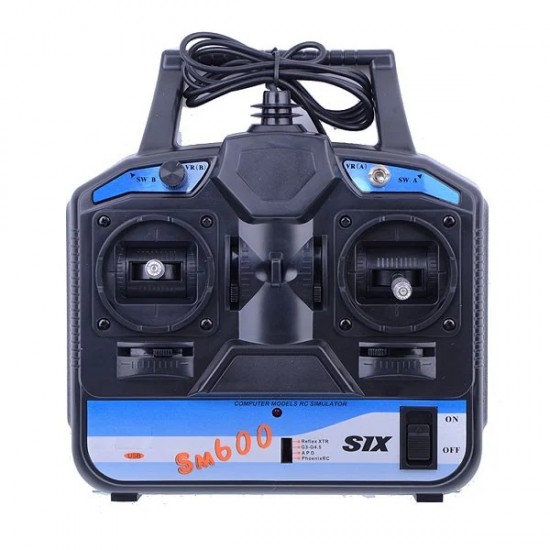
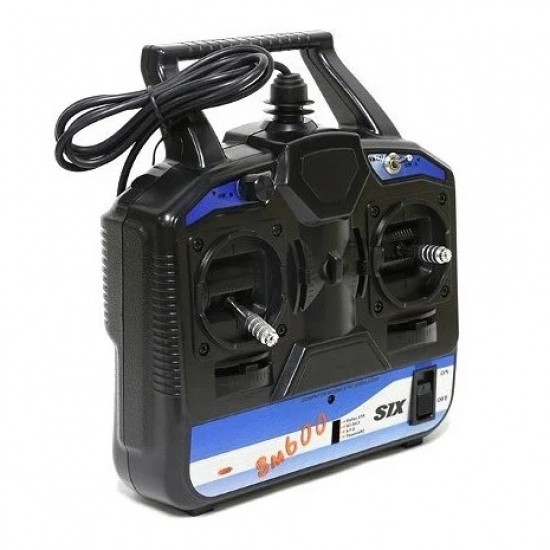
FS-SM600 6CH USB Powered Controller with SuperSimX Simulator (Mode 2)

FS-SM600 6CH USB Powered Controller with SuperSimX Simulator (Mode 2)
₹2,183.00
Ex GST: ₹1,850.00
  • Stock: In Stock
  • Model: 7972
  • SKU: SAT2134
  • Location: India

The FlySky FS-SM600 6CH USB Controller makes it super simple to hook up a lifelike radio controller to your favourite RC Simulator. Plus the SuperSimX simulator software is included. The FS-SM600 can play with AeroFly, PhoenixRC 2.5, RealFlight G3.5, Reflex XTR, RealFlight G4.

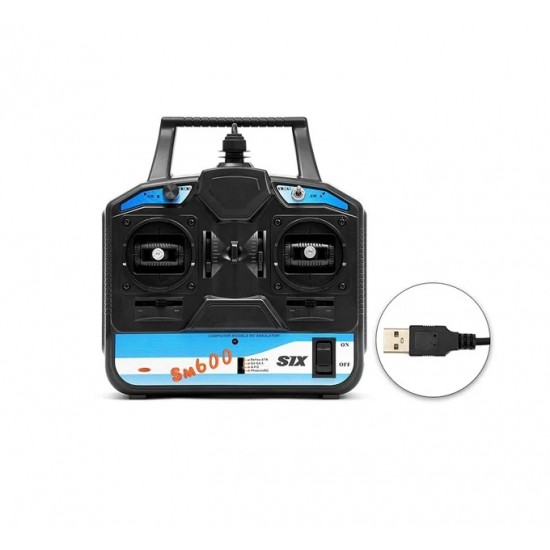
It is an RC simulator that includes radio / remote control, and USB cable for the simulator. You just need to connect it to your computer, and you do not need another power source. This simulator offers several RC models (helicopters, airplanes, and gliders).

This simulator offers good quality and physics to the model, which makes it more realistic and helps beginners learn how to fly with ease, greatly improving their skills.

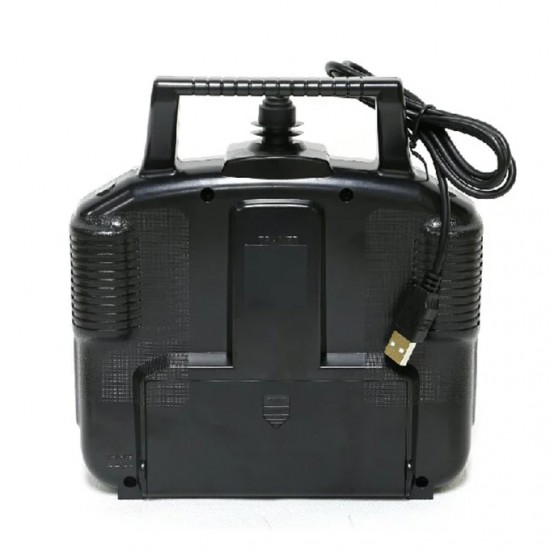
Note: Since this simulator is USB Powerd it does not require battery or AA Cells to power it
Steps to install and Connect the Simulator:

This controller has its own attached USB cable. You should have no need to purchase any 3rd party cable to operate.

    Before plugging in and turning on.   Set the 4 position switch beside the front power switch to Reflex XTR
    Now connect to USB and switch the controller on.
    Ensure that your computer is detecting the device plugged in under the Device manager screen. If it is not ensured that all drivers are up to date including your computer controller drivers.
    Once confirmed, you can launch the game and go to “settings”,  “Choose new controller”, Go through the on-screen prompts to finish the setup. Note: we suggest 1.5% dead zone on this controller, you’ll find the option for this at the end of the calibration process.

Now you’re free to fly!
Features:

    Brand Name: FLYSKY
    NO.: FS-SM600
    Model type: Heli/Glid/Airplane
    Works with Windows 10,8,7, Vista and XP, 32 and 64 bit
    Simulators: Reflex XTR, G3~G4.5, APD, PhoenixRC

Useful Link:


Quick Start Guide
Package Includes:

1 x FS-SM600 6CH USB Powered Controller with Attached USB Cable

6 Months Warranty

This item is covered with a supplier warranty of 6 months from the time of delivery against manufacturing defects only. This is a quality product from the original manufacturer. Only manufacturing defects are covered under this warranty. Reimbursement or replacement will be done against manufacturing defects.

What voids the warranty:

If the product is subject to misuse, tampering, static discharge, accident, water or fire damage, use of chemicals & soldered or altered in any way.

What is Customer Question & Answers?

Customer Questions & Answers allows you to connect with supplier to ask or answer questions about products. You can ask questions about a product or use your own expertise to answer other customers' questions.

What should I ask?

Ask questions specific to the product. This is a great opportunity to get feedback from other customers who have experience with the product. Ask a question that will capture this experience. For example:

  • Does this raspberry pi camera take good quality pictures in low light?
  • How long does the battery last, while flying quadcopter?
  • Does this robotic kit includes with batterys?

How should I ask?

[Click Here to ask]

Write a review

Please login or register to review